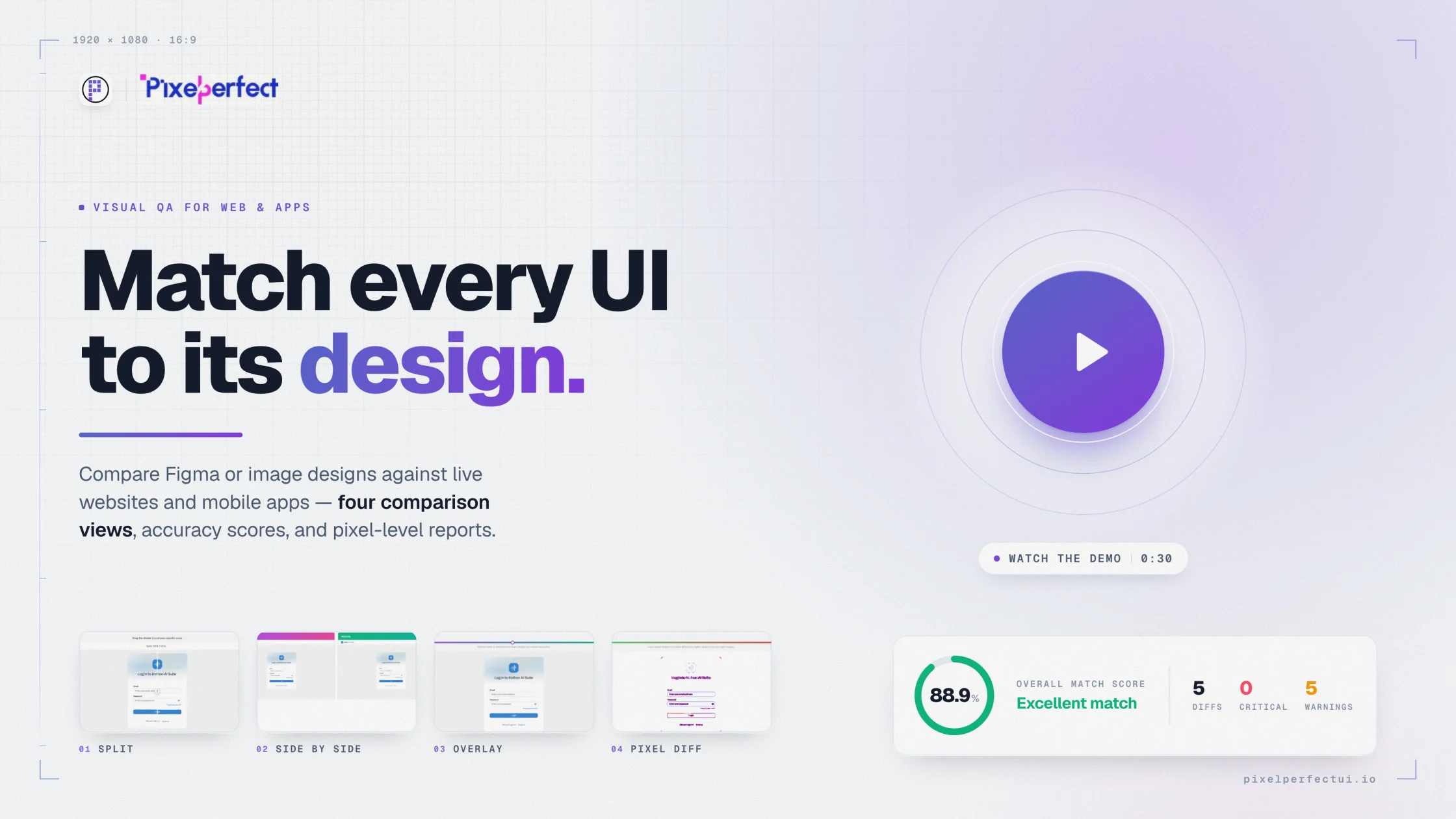
Figma to mobile app comparison

Validate mobile app screens against their Figma designs.

Compare an approved mobile frame with a connected-device capture or uploaded screenshot while accounting for screen size, density, safe areas, and system UI.

Pixel Perfect UI visual comparison report showing design and implementation evidence
Android and iOS workflowsConnected capture or screenshot uploadStatus-bar and bottom-bar controlsVisual diff views and review reports
01

Choose a comparable device state

Use the approved Figma frame for the same platform, theme, content, and interaction state as the implementation. A compact phone and a large phone should be treated as separate acceptance conditions rather than scaled versions of one reference.

02

Control mobile rendering variables

Pixel Perfect UI provides controls for cropping or excluding system regions so those pixels do not hide meaningful interface differences.

  • Match screen dimensions and orientation.
  • Account for status bars, navigation bars, safe areas, and cutouts.
  • Wait for transitions, images, and fonts to settle.
  • Use deterministic accounts and content.
  • Record platform and operating-system details with the result.
03

Prioritize defects by mobile impact

Start with clipped actions, content under system bars, keyboard collisions, unsafe-area overlap, unreadable hierarchy, and missing assets. Decorative offsets matter, but they should not outrank defects that prevent someone from completing a task.

04

Retain evidence for release review

Attach the design reference, app capture, device configuration, and useful comparison view to the release record. Repeat the comparison after corrections and keep accepted captures available for later baseline checks.

Built for product delivery

Useful evidence for every reviewer

Mobile QA

Repeat visual checks across controlled device conditions.

App developers

Locate safe-area, density, and responsive drift.

Product designers

Validate shipped screens against platform-specific intent.

Release managers

Keep visual approval evidence with the release.

Questions and answers

What teams ask before comparing

Can I compare both Android and iOS screens?

Yes. Capture or upload the platform-specific screen and compare it with the corresponding Figma frame or exported design.

How are mobile system bars handled?

Configuration options help crop or exclude top and bottom system regions so the design and app capture can be aligned accurately.

Does visual comparison replace mobile functional testing?

No. Continue testing interaction, accessibility, performance, permissions, networking, and platform behavior separately.

Move from opinion to evidence

Compare the interface you built with the reference you approved.

Configure the source, capture, viewport, and comparison views in one visual QA workflow.

Try Pixel Perfect UI