Use cases by role

One visual reference. Clear evidence for every delivery role.

Pixel Perfect UI gives each role the comparison context needed to make a different decision without creating separate versions of the truth.

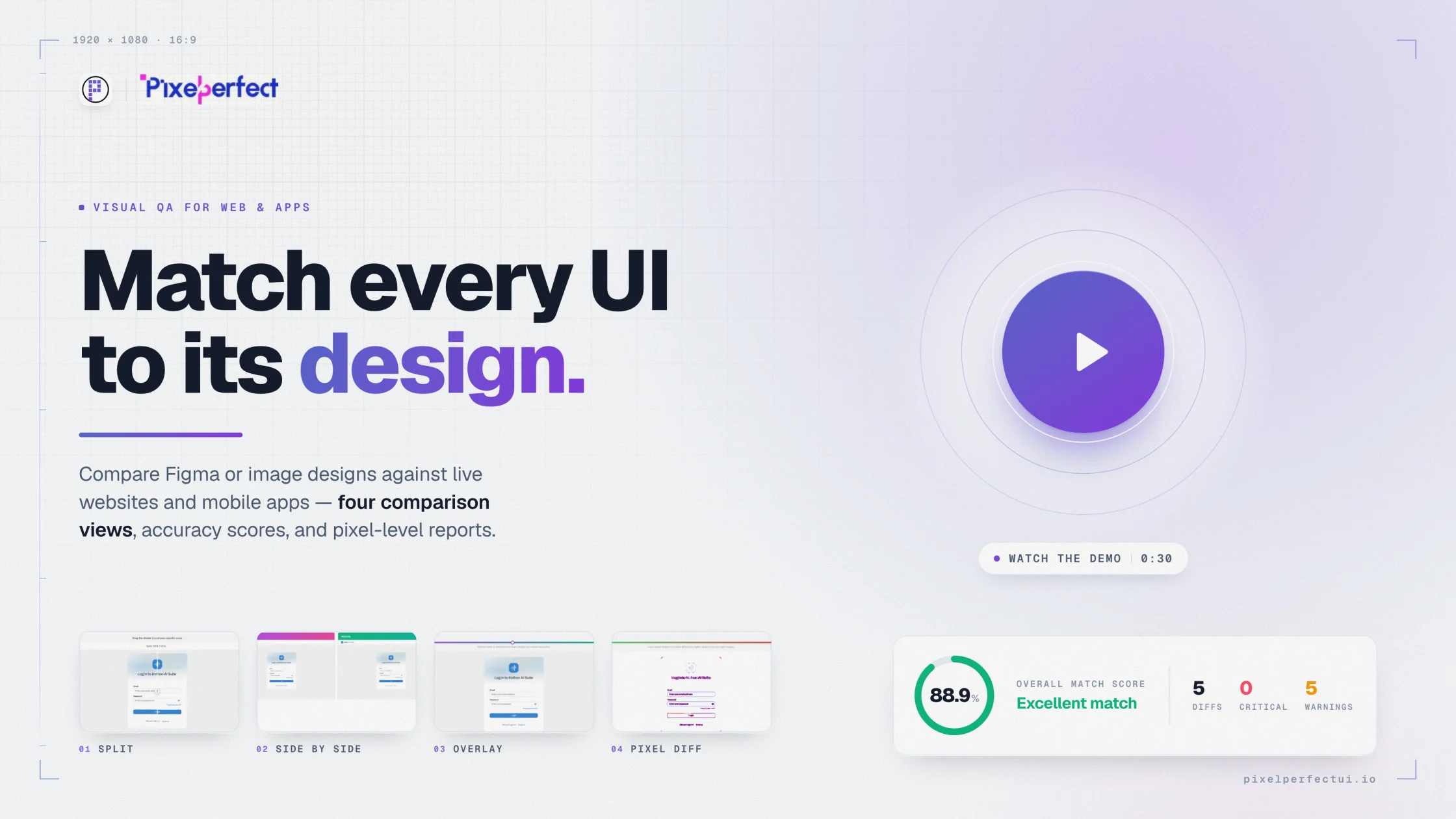
Pixel Perfect UI visual comparison report showing design and implementation evidence
QA release acceptanceDeveloper implementation reviewDesign and product approvalAgency delivery evidence
01

QA teams: make visual checks repeatable

Define references, dimensions, states, and severity rules. Attach comparison evidence to defects and rerun changed regions before closing them. Keep accessibility and functional checks as independent quality gates.

02

Developers: find drift before handoff

Compare during implementation, starting with geometry and typography before polishing effects. A focused overlay or split view can expose the shared CSS decision behind many individual mismatches.

03

Design and product: approve intent and impact

Designers verify whether implementation reflects the approved reference. Product managers decide whether a difference affects hierarchy, usability, brand, or release scope. Document intentional deviations once.

04

Agencies and distributed teams: reduce translation loss

Give reviewers the reference, actual capture, viewport, difference evidence, and report together. This shortens feedback loops and prevents vague instructions from moving between client, design, engineering, and QA.

Built for product delivery

Useful evidence for every reviewer

QA teams

Repeatable visual acceptance and defect evidence.

Frontend developers

Earlier detection of implementation drift.

Design and product

Intent-based acceptance decisions.

Software agencies

Clearer client review and delivery records.

Questions and answers

What teams ask before comparing

Does every role need to use the tool directly?

No. One person can configure and run the comparison while the resulting visual evidence and report support cross-functional review.

When should teams start visual QA?

Begin during implementation, not only before release. Structural differences are cheaper to correct before the interface is considered finished.

How should teams prioritize visual defects?

Prioritize blocked content and actions first, then material hierarchy, responsive, brand, and readability issues before minor decorative drift.

Move from opinion to evidence

Compare the interface you built with the reference you approved.

Configure the source, capture, viewport, and comparison views in one visual QA workflow.

Try Pixel Perfect UI