
Define the right baseline
A regression baseline should represent an accepted interface state, not simply the previous build. Record viewport, device, content, theme, and any excluded dynamic regions so the next run remains comparable.
Use an accepted screenshot as the reference, capture the current implementation under matching conditions, and inspect what changed before release.
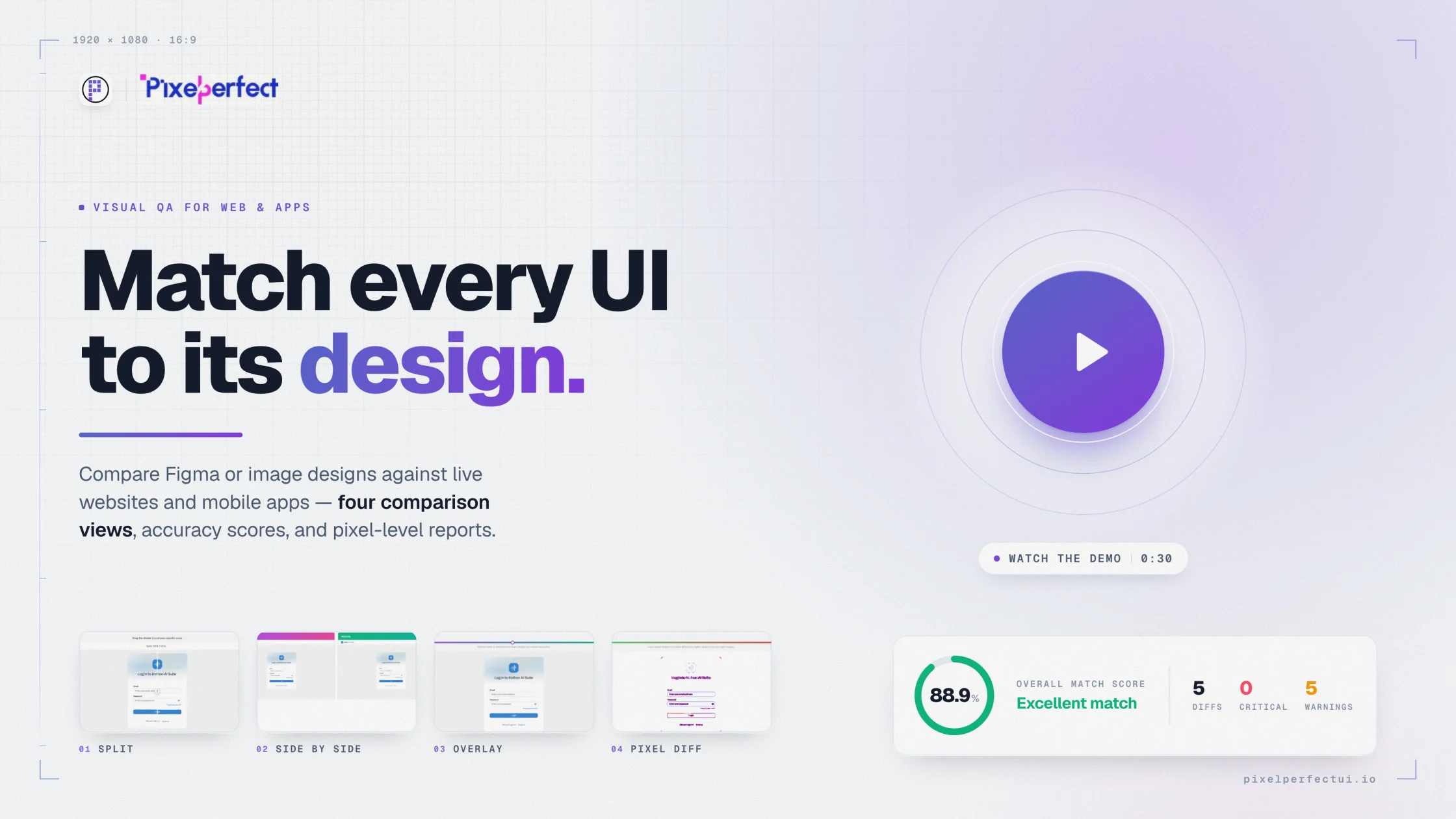
A regression baseline should represent an accepted interface state, not simply the previous build. Record viewport, device, content, theme, and any excluded dynamic regions so the next run remains comparable.
Antialiasing, system rendering, and dynamic content can create harmless differences. Configure tolerance carefully, then prioritize missing content, shifted layouts, broken responsive states, incorrect assets, and changes to important actions.
Pixel Perfect UI supports repeatable baseline comparison and review reports. It does not currently claim an automated CI/CD approval pipeline.
Use design comparison to decide whether a new interface matches intent. After approval, retain the accepted result as a baseline for later regression checks. The two workflows answer different questions and work best together.
Investigate unintended visible changes with reproducible evidence.
Check shared CSS and component updates before release.
Distinguish approved change from accidental drift.
Repeat baseline checks under known device conditions.
It is an accepted screenshot or image used as the reference for checking whether a later implementation changed unexpectedly.
Pixel Perfect UI currently supports baseline comparison and repeat review workflows, but this page does not claim an automated CI/CD approval integration.
Keep content, viewport, fonts, assets, animation, device conditions, crop, and tolerance consistent between the baseline and current capture.
Configure the source, capture, viewport, and comparison views in one visual QA workflow.
Try Pixel Perfect UI