
Pixel perfect UI testing

Make pixel-perfect review measurable and repeatable.

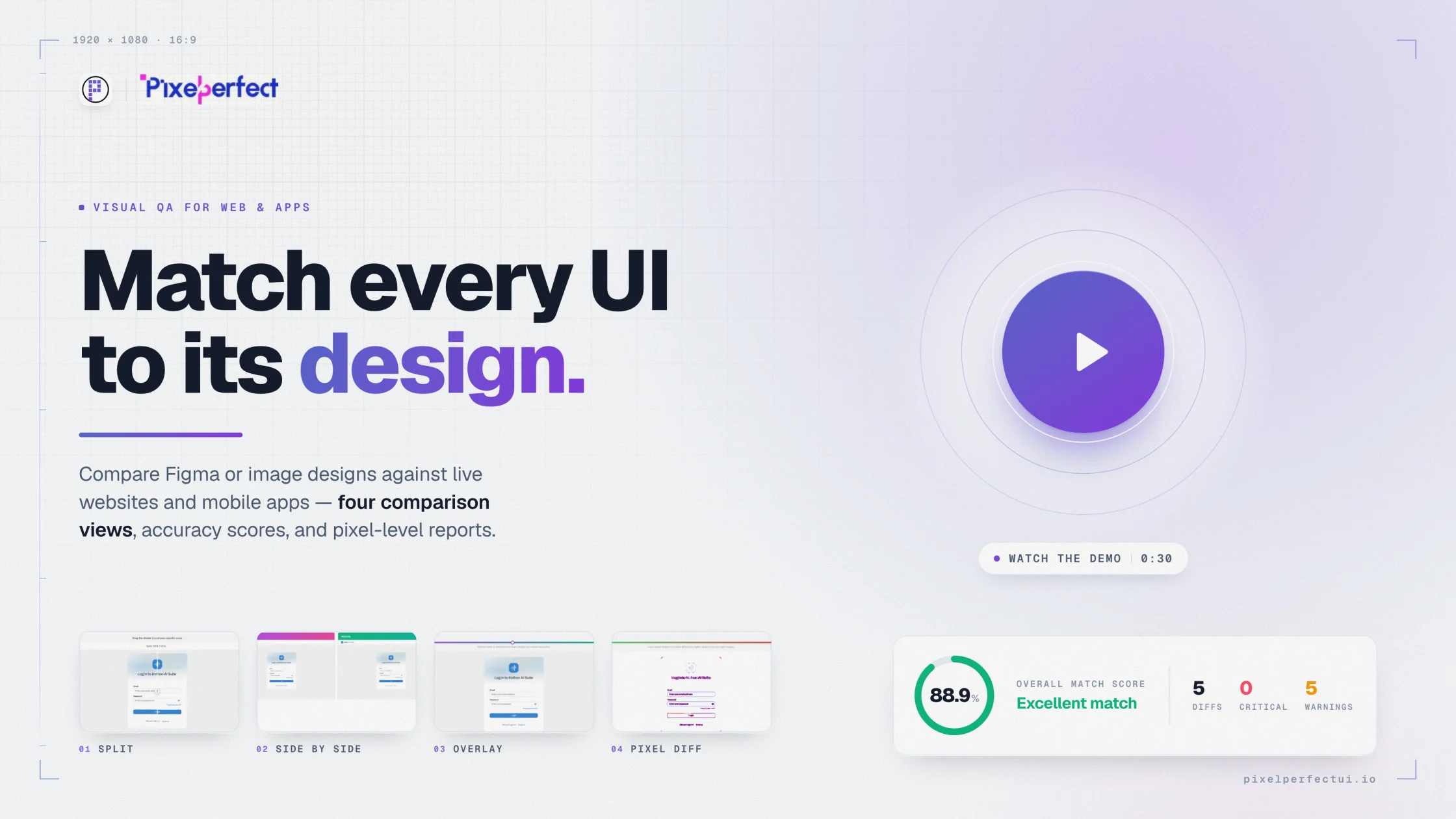
Pixel Perfect UI brings the approved reference, implementation capture, visual differences, issue context, and report into one workflow for web and mobile teams.

Pixel Perfect UI visual comparison report showing design and implementation evidence
Web and mobile comparisonFigma and image referencesConfigurable viewport and toleranceShared visual QA evidence
01

Pixel perfect does not mean blind perfection

Pixel-perfect testing makes visible differences observable. Teams still decide whether each difference is a defect, an acceptable rendering variation, or an intentional product decision.

Use comparison evidence to protect hierarchy, readability, responsive behavior, interaction states, and brand-critical presentation. Avoid blocking releases over harmless antialiasing while ignoring clipped content or missing actions.

02

Use one repeatable review sequence

  • Confirm the approved reference and content.
  • Capture the implementation at matching dimensions.
  • Align crop, system UI, and dynamic regions.
  • Inspect split, overlay, and difference views.
  • Classify meaningful issues by impact.
  • Rerun after fixes and retain the report.
03

Cover the visible defect classes functional tests miss

Behavioral UI tests can confirm that a button submits a form, but they may not detect a clipped label, incorrect font, broken grid, hidden focus ring, low-contrast state, or image crop. Visual checks complement functional and accessibility testing rather than replacing them.

04

Give every role the same evidence

Designers define intended presentation, developers fix implementation drift, QA controls repeatability, and product owners decide release impact. Shared captures and diff views reduce translation loss between those responsibilities.

Built for product delivery

Useful evidence for every reviewer

QA teams

Standardize visual acceptance without relying on memory.

Developers

Resolve mismatches with exact visual context.

Design and product

Approve intentional results with fewer subjective debates.

Agencies

Document delivery quality for client review.

Questions and answers

What teams ask before comparing

What is pixel perfect UI testing?

It compares an implemented interface with an approved visual reference to reveal differences in layout, typography, color, spacing, assets, and responsive presentation.

What can Pixel Perfect UI compare?

It supports Figma frames or uploaded design images against website URLs, website screenshots, mobile app captures, and uploaded app screenshots.

Is pixel-perfect testing the same as accessibility testing?

No. Visual similarity does not prove keyboard access, semantic structure, screen-reader support, contrast compliance, or usability.

Move from opinion to evidence

Compare the interface you built with the reference you approved.

Configure the source, capture, viewport, and comparison views in one visual QA workflow.

Try Pixel Perfect UI