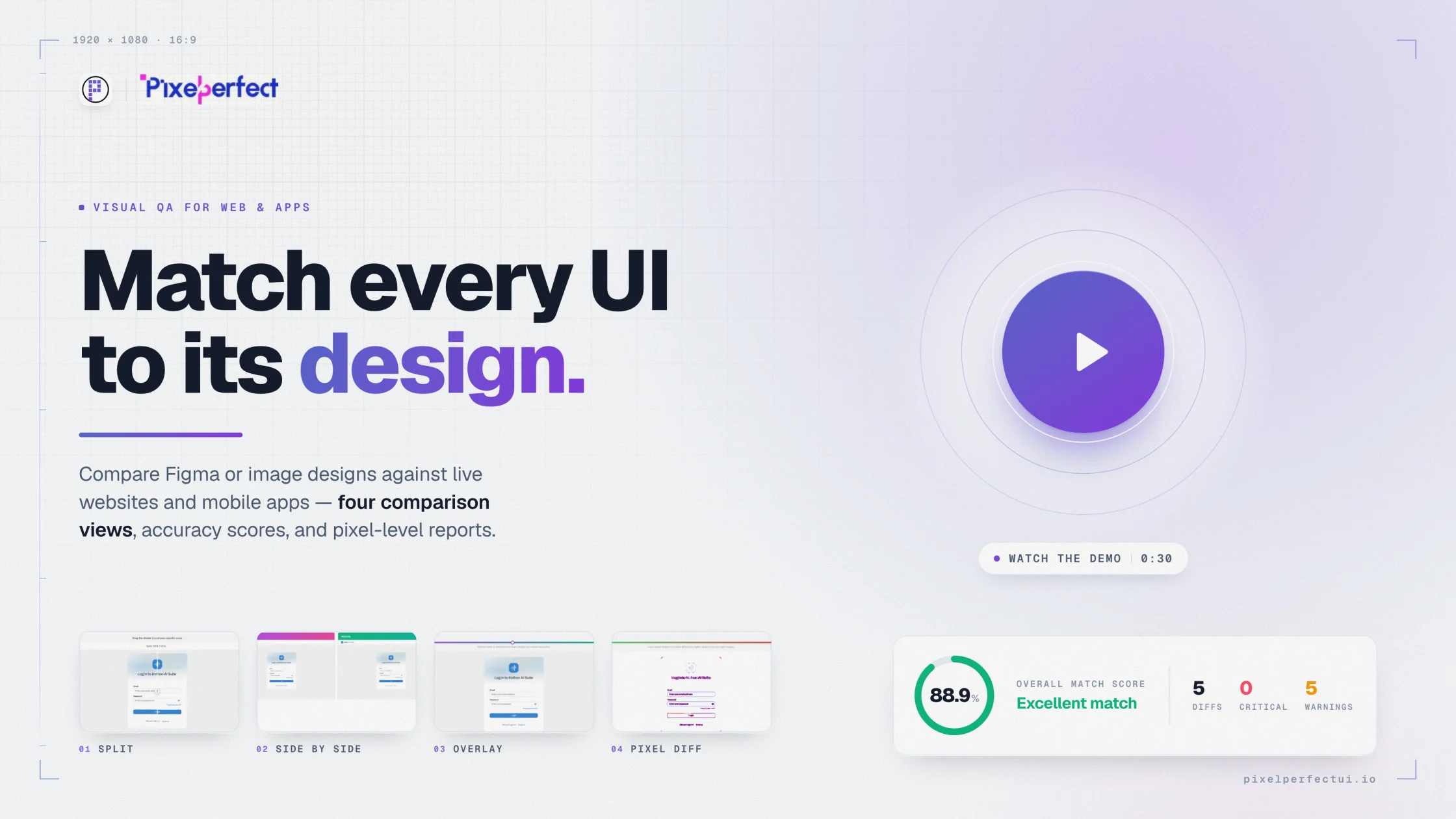
Visual UI testing tool

Add visual evidence to your UI testing workflow.

Use functional tests to verify behavior and Pixel Perfect UI to inspect visible implementation quality across websites and mobile apps.

Pixel Perfect UI visual comparison report showing design and implementation evidence
Web and mobile workflowsDesign and baseline referencesVisible defect investigationReports for cross-functional review
01

Understand what visual UI testing covers

Visual UI testing examines rendered presentation: typography, layout, responsive behavior, assets, color, effects, clipping, overflow, and visible states. Functional automation answers whether an interaction works; visual comparison answers whether the result looks as intended.

02

Use complementary quality checks

  • Functional tests for critical user journeys.
  • Accessibility tests for semantics and assistive technology.
  • Visual design comparison for new interfaces.
  • Visual regression checks for accepted interfaces.
  • Performance tests for loading and interaction responsiveness.
03

Create a practical release set

Start with high-traffic, high-risk, and brand-critical screens. Include representative responsive widths and mobile device classes. Expand only when the team can maintain stable references and act on the resulting differences.

04

Report issues developers can reproduce

Include the reference, implementation source, dimensions, state, comparison evidence, severity, and user impact. Avoid vague reports such as “not pixel perfect” when a specific component, property, and condition can be identified.

Built for product delivery

Useful evidence for every reviewer

QA teams

Add visible quality checks to release acceptance.

Web developers

Find responsive and styling regressions.

Mobile developers

Check screens under controlled device conditions.

Product teams

Review visual impact alongside functional readiness.

Questions and answers

What teams ask before comparing

Is Pixel Perfect UI a functional testing tool?

Its primary purpose is visual comparison and reporting. Keep functional automation for interactions, business rules, and end-to-end journeys.

Can it test web and mobile interfaces?

Yes. It supports website URLs or screenshots and mobile app captures or uploaded app screenshots.

Who should review visual results?

QA controls repeatability, developers investigate implementation, designers verify intent, and product owners assess release impact.

Move from opinion to evidence

Compare the interface you built with the reference you approved.

Configure the source, capture, viewport, and comparison views in one visual QA workflow.

Try Pixel Perfect UI