
Website screenshot comparison

Compare website screenshots with visual evidence you can act on.

Upload reference and implementation screenshots, or capture a live URL, then inspect layout and rendering differences in focused comparison views.

Pixel Perfect UI visual comparison report showing design and implementation evidence
PNG, JPG, JPEG, and SVG referencesLive URL or screenshot inputViewport and crop controlsMultiple visual difference modes
01

Choose the comparison that matches your question

Compare a design export with an implementation screenshot to validate delivery, or compare an accepted screenshot with a later capture to investigate regression. Use images with matching dimensions and content whenever possible.

02

Prepare screenshots for accurate alignment

  • Capture at the same viewport and zoom.
  • Use the same page state and test data.
  • Wait for fonts, images, and lazy content.
  • Crop browser or system chrome consistently.
  • Record intentionally dynamic regions.
03

Use the right view for each defect

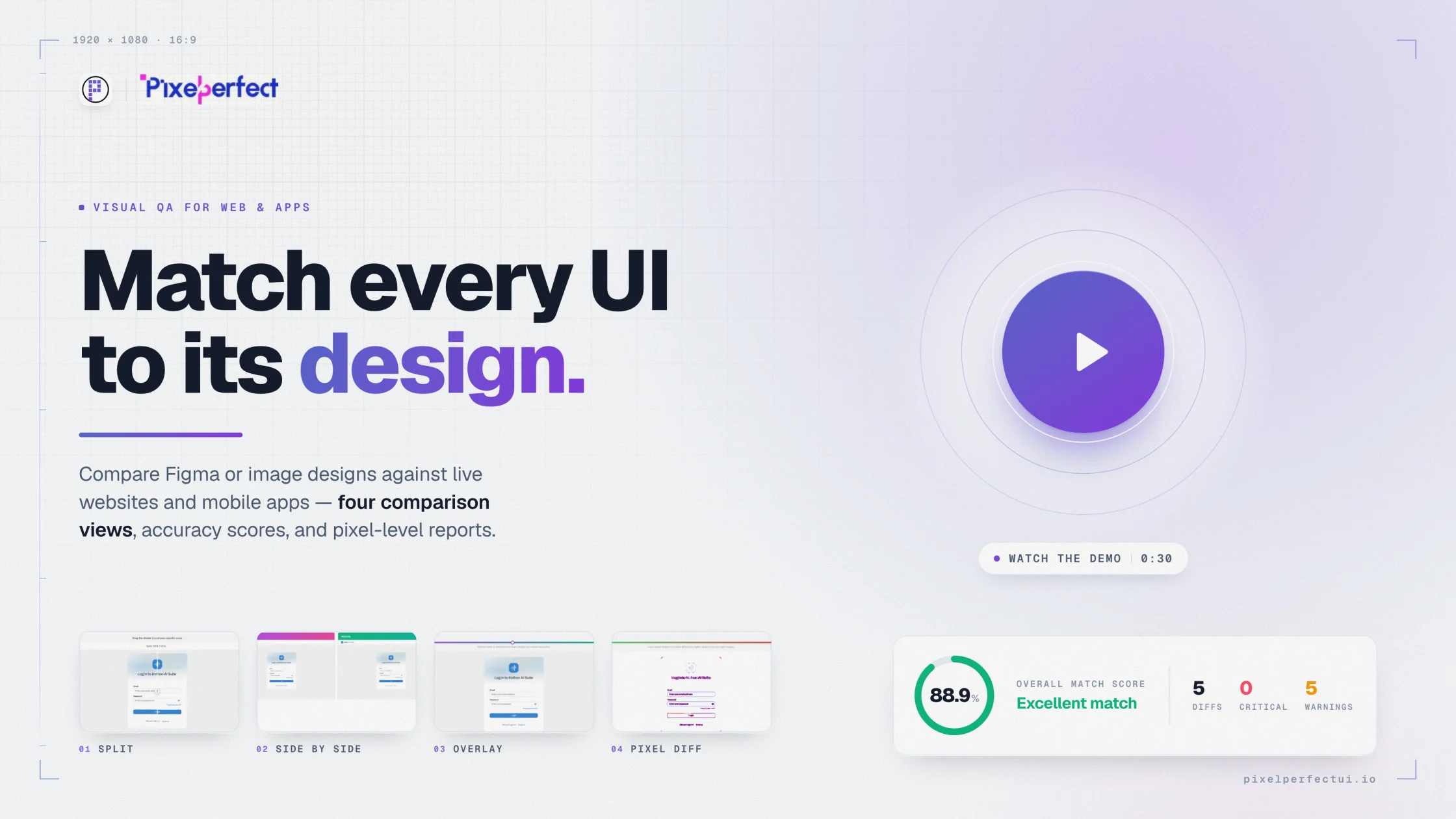
Side-by-side view supports overall review. Split view helps scan corresponding regions. Overlay exposes alignment drift. Pixel-difference views make concentrated changes easier to locate. Switch views instead of expecting one visualization to answer every question.

04

Share a reproducible finding

A useful visual defect includes the page or screen, state, dimensions, reference, actual capture, expected outcome, severity, and the comparison view that best explains the issue.

Built for product delivery

Useful evidence for every reviewer

Manual QA

Compare pages without writing visual automation.

Developers

Inspect implementation drift from a supplied reference.

Designers

Review exported designs against delivered screens.

Product owners

Make release decisions from concrete visual evidence.

Questions and answers

What teams ask before comparing

Can I compare two uploaded screenshots?

Yes. Upload the design or baseline image and the implementation screenshot, then configure alignment and generate comparison views.

Can the tool capture a live website?

Yes. Enter a website URL and viewport. Screenshot upload remains available when direct capture is not appropriate.

Which image formats are supported?

Reference and implementation uploads support PNG, JPG, JPEG, and SVG. Raster screenshots are usually best for direct pixel comparison.

Move from opinion to evidence

Compare the interface you built with the reference you approved.

Configure the source, capture, viewport, and comparison views in one visual QA workflow.

Try Pixel Perfect UI